.png?width=260&height=102&name=ASKBOSCO_Logo_Grey_RGB%20(6).png)
How to connect:
- Go to the Connections tab and navigate to the Connector Library
- Click Connect on the Microsoft Ad tile
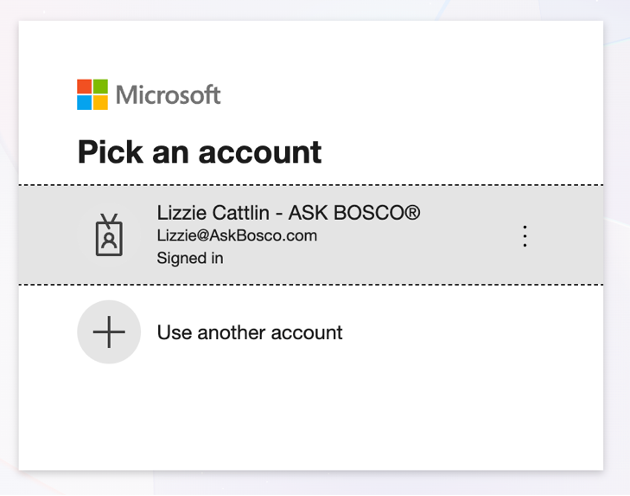
- You will be redirected to Microsoft Sign in page
- Log in to the Microsoft account that has access to the Ad account/s you want to connect
- Follow the 2FA instructions Microsoft provide
- Pick the ad account/s you want to connect
- Connection complete
Microsoft Ads data model and metrics available in ASK BOSCO®
Microsoft Ads: Ad Group model
- Ad Group Name: The name of the ad group within a campaign.
- Brand / Non Brand: Shows whether this relates to the brand's own name ("Brand") or not ("Non-brand"). If this hasn't been set up yet, it will show as "Uncategorised".
- Conversions: The number of conversions attributed to the ad group.
- Conversion Value: The total monetary value of conversions attributed to the ad group.
- Impressions: The number of times ads in the ad group were shown.
- Clicks: The number of clicks on ads in the ad group.
- Cost: The total amount spent on the ad group.
- Assists: The number of conversions to which this ad group contributed without being the last click.
- Device: The device type the ad was shown on.
- Network: The ad distribution network the ad was shown on.
- Conversion Action: The name of the specific conversion goal being tracked.
- Conversion Action Type: The category of how the conversion goal is tracked.
- Ad Group Status: The status set by the advertiser — active, paused, or removed.
- Ad Group Type: The type of ad group, indicating the channel and ad format.
- Campaign Name: The name of the Microsoft Ads campaign the ad group belongs to.
- Campaign Type: The type of the parent campaign.
- Date: The calendar date of the reported metrics.
Microsoft Ads: Campaign model
- Campaign Name: The name of the Microsoft Ads campaign.
- Brand / Non Brand: Shows whether this relates to the brand's own name ("Brand") or not ("Non-brand"). If this hasn't been set up yet, it will show as "Uncategorised".
- Impressions: The number of times ads in the campaign were shown.
- Clicks: The number of clicks on ads in the campaign.
- Cost: The total amount spent on the campaign.
- Assists: The number of conversions to which this campaign contributed without being the last click.
- Phone Calls: The number of phone calls attributed to the campaign.
- Network: The ad distribution network the ad was shown on.
- Conversion Action: The name of the specific conversion goal being tracked.
- Conversion Action Type: The category of how the conversion goal is tracked.
- Campaign Status: The status set by the advertiser — active, paused, or removed.
- Campaign Type: The type of campaign, indicating the channel.
- Campaign Sub Type: The campaign sub-type, if any.
- Date: The calendar date of the reported metrics.
- Conversions: The number of conversions attributed to the campaign.
- Conversion Value: The total monetary value of conversions attributed to the campaign.